Intermediate / Input & touch
Use Pointer Capture for Reliable Touch Controls
A movement button can work perfectly until a finger slides outside it. If the release is delivered somewhere else, the game may keep moving after the player has stopped pressing. Pointer capture and explicit cancellation handlers make the interaction's end as important as its beginning.
What you'll build
We will inspect the visible Left and Right controls used by Collector and Racer. Collector treats a press as held movement; Racer treats it as one lane command. Both need a reliable way to end or cancel the pointer interaction.
Prerequisites
Understand pointer events and the held-direction set in demo.js. Read the handlers attached to [data-move]. These controls are real HTML buttons, so pointer and keyboard activation need compatible but different paths.
Capture the pointer that began the press
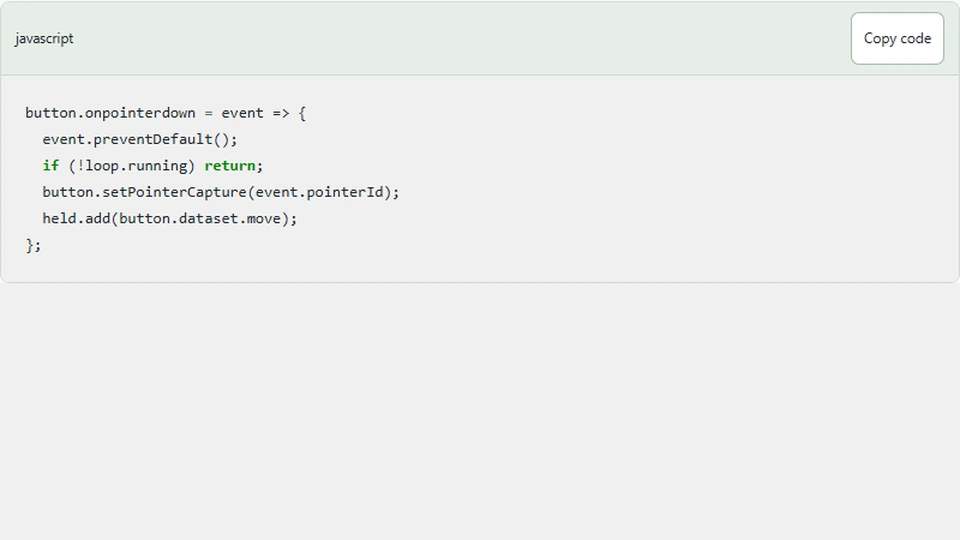
On pointerdown, the button calls setPointerCapture with the event's pointer identifier. Subsequent events for that pointer are directed to the capturing element even if its contact position moves outside the button.
button.onpointerdown = event => {
  event.preventDefault();
  if (!loop.running) return;
  button.setPointerCapture(event.pointerId);
  held.add(button.dataset.move);
};
This is the collector version of the idea. The actual wrapper sends a single lane-change command for the racer instead of adding a continuous direction. Capture supports event delivery; it does not decide what gameplay action the press means.
Calling preventDefault is also a choice. Here it helps keep the pointer button interaction from introducing unrelated default behavior. Check focus and keyboard behavior rather than assuming a pointer-focused implementation automatically remains usable through the keyboard.
Clear the action on every ending path
The wrapper clears a held direction on pointerup, pointercancel, and lost pointer capture. A normal release is only one way an interaction can end. Browsers may cancel a pointer because another gesture or system action takes ownership.
Use one small cleanup function for those paths so they cannot drift apart. If a later refactor changes the stored action names, update one function rather than three copies. A cleanup operation should also be safe when the action has already been removed.
Window blur and pause clear the entire held set as a second lifecycle boundary. This does not replace per-button cleanup; it covers interactions interrupted by leaving the active page.
Do not double-trigger pointer and click behavior
A button can emit a click after a pointer sequence. If pointerdown already performed a racer lane change, an unconditional click handler would perform another one. The wrapper's click path is reserved for keyboard-style activation, recognized by a zero click detail.
For the collector, keyboard activation moves the paddle by a discrete amount rather than pretending that a key-generated click remains held forever. That is a reasonable fallback for these controls, while arrow keys provide continuous keyboard movement elsewhere in the arena.
This distinction should be tested with both actual pointer presses and Enter or Space on the button. Testing only .click() in a script may exercise a different path from a real touch interaction.
Keep pointer identifiers meaningful
Capture is associated with a specific pointer. If you later support simultaneous contacts, decide whether two fingers can hold opposite movement buttons. The current action set can represent both directions, producing zero net movement for the collector, but a more general gesture system may need per-pointer ownership.
Do not store one global “pressed” boolean and assume every release belongs to it. A cancellation from one pointer should not necessarily cancel another independent interaction unless that is the intended control policy.
Test the failure case directly
Press Left, move the contact outside the button, and release. The paddle should stop. Repeat by interrupting the gesture with a tab change or pause. Resume without a new press and verify no stale movement remains.
For Racer, press and hold one movement button. It should change one lane rather than repeatedly change lanes while held. Use keyboard activation afterward and verify it also produces one command. Finally, check the edge lane clamp after repeated outward commands.
Next steps
Read Collector's controls and keep capture, cleanup, and action semantics as separate concepts. When adding another touch control, start by listing every way its interaction can end. That list is often more valuable than another animation or visual effect when making a small browser game feel reliable.