Beginner / Game state & scoring
Update a Game HUD without Announcing Every Frame
A game's internal state can change every frame without requiring every number to be announced or every label to be rebuilt. The HoloViral wrapper separates rendering from status reporting and writes a status string only when that string changes.
What you'll build
We will inspect the existing HUD update path and choose useful display precision for time, progress, and memory moves. We will also consider the effect of live-region updates on readers using assistive technology.
Prerequisites
Know the engine status methods and the wrapper's report helper. The status paragraph uses role="status"; game state remains in the engine rather than in the paragraph's text.
Derive a display string from state
Collector reports gem count, target, lives, and whole active seconds. Racer floors its combined progress for display. Memory reports pairs and complete two-card moves. These values have different update frequencies because they represent different kinds of information.
The model can retain fractional seconds and progress while the display shows integers. Rounding the model itself on every update would lose information and could change movement or completion timing. Presentation precision should not alter simulation precision.
let lastStatus = '';
function report(message) {
  if (message !== lastStatus) {
    status.textContent = message;
    lastStatus = message;
  }
}
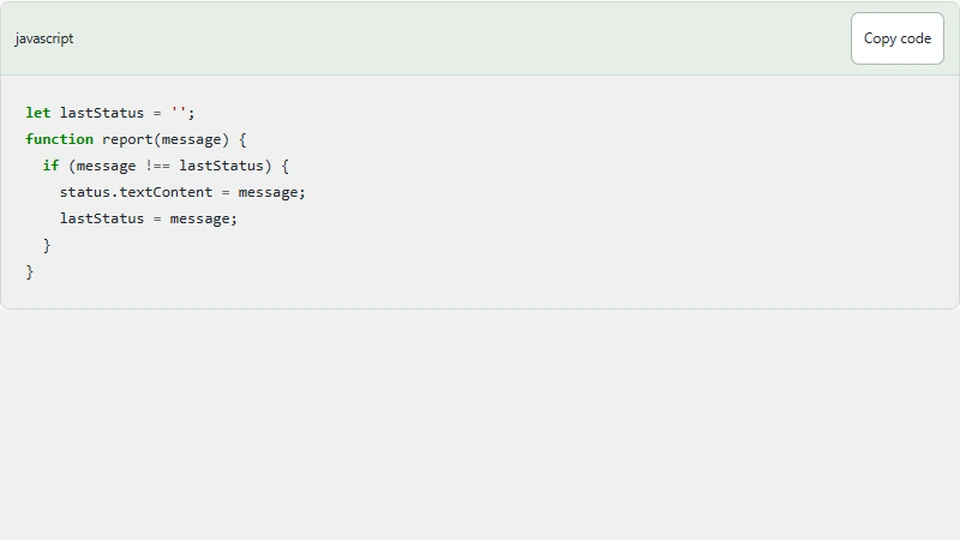
This is the wrapper's basic strategy. It avoids assigning an identical string repeatedly. It does not guarantee that every changing string is worth announcing, so the engine's status design still matters.
Choose meaningful announcement events
A frame-by-frame ring position would change constantly and provide little useful narration. A hit count, lost life, paused state, or completed round is more meaningful. The current timing HUD includes whole seconds rather than continuously varying positions.
Even whole-second timer announcements may be too frequent for some experiences. Test with the assistive technologies relevant to the audience. One extension is to separate a visual timer from a less frequently updated status summary, preserving both information and usability.
Do not use an assertive announcement channel for every score change merely because the game is interactive. Priority should follow the importance of the message, not the speed of the animation.
Preserve a stable document
Updating text inside one existing paragraph is different from replacing the whole game toolbar. The latter can remove focused controls or trigger unnecessary layout work. The memory wrapper similarly keeps its buttons during a round and updates their labels rather than recreating them every frame.
Completion may disable controls or move focus within the game, so coordinate status and focus deliberately. A final message should remain available after scheduling stops. Do not clear the HUD as part of stopping the loop unless a new round is actually beginning.
Pause and Resume use explicit messages. A paused timer that simply stops changing can otherwise look like a frozen page. The interface should state the lifecycle condition, not require the reader to infer it from the absence of motion.
Keep status out of the rule engine's input path
The wrapper reads a string from the engine, but it never parses that string to decide whether the game is finished. It reads structured finished and won flags. This allows wording and formatting to change without altering the game rules.
If you later add localization, this separation becomes even more useful. A translated message should not break a comparison that expected the English word “Complete.” Store outcome meaning in data and derive human-readable labels from it.
Test both change detection and meaning
Call report twice with the same string and verify the second call does not perform another assignment in a focused unit test. Then test actual engine status after a catch, a lost life, a memory comparison, pause, and restart.
At the browser level, use keyboard navigation while updates occur and confirm focus remains stable. Listen to representative status changes with a screen reader rather than assuming an automated accessibility score proves the announcement experience is comfortable.
Next steps
Inspect the Timing Tap source and list which internal fields are useful visually, which are useful as announcements, and which are implementation details. A readable HUD is a small information-design problem. Updating less often is helpful when it preserves the information players actually need.