Beginner / Canvas basics
Understand Canvas Drawing State and Scoped Transforms
A Canvas context remembers more than the pixels you just drew. It also remembers the current font, line width, text alignment, transform, and other settings. When a renderer works only after another renderer has run, this retained state is often the hidden dependency.
What you'll build
We will inspect the drawing methods in Memory Match and Timing Tap, then define a small rule for writing predictable drawing code: set the properties you use, and restore temporary changes you do not own. No new game mechanic is required to reproduce the problem.
Prerequisites
Know how to obtain a 2D context and call methods such as fillRect and fillText. The relevant files are memory.js and timing.js. Their game rules do not depend on the drawing context; only their draw functions receive it.
Pixels and drawing state are different
Painting the background covers the old picture, but it does not reset the context's settings. Calling fillRect across the entire arena is not equivalent to restoring a default font or line dash pattern. This distinction explains why a visual defect can survive even though you clear the screen every frame.
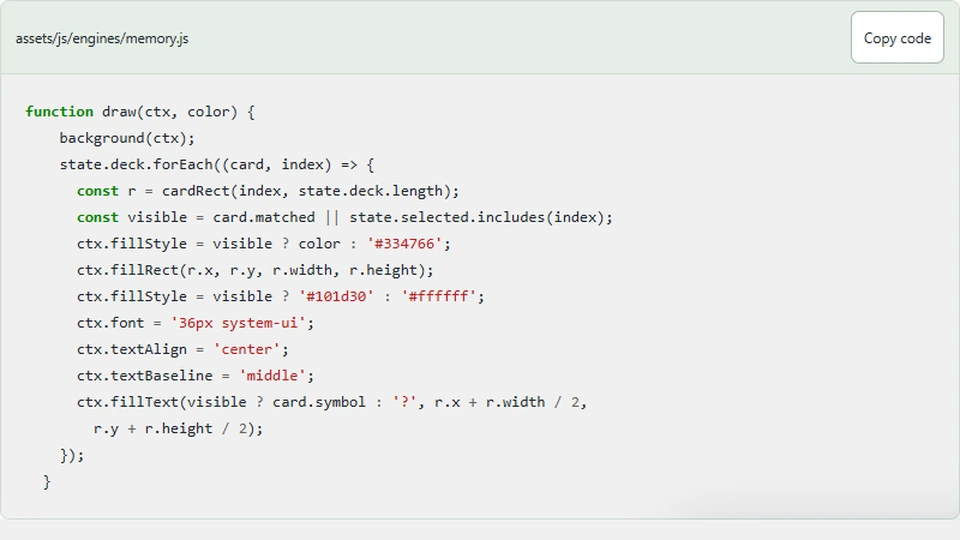
Memory explicitly sets its text alignment and baseline when drawing symbols. The card rectangle supplies a center, and textBaseline = 'middle' makes that center meaningful vertically. If the renderer relied on the default alphabetic baseline, a symbol would sit at a different visual position relative to the same coordinate.
function draw(ctx, color) {
    background(ctx);
    state.deck.forEach((card, index) => {
      const r = cardRect(index, state.deck.length);
      const visible = card.matched || state.selected.includes(index);
      ctx.fillStyle = visible ? color : '#334766';
      ctx.fillRect(r.x, r.y, r.width, r.height);
      ctx.fillStyle = visible ? '#101d30' : '#ffffff';
      ctx.font = '36px system-ui';
      ctx.textAlign = 'center';
      ctx.textBaseline = 'middle';
      ctx.fillText(visible ? card.symbol : '?', r.x + r.width / 2,
        r.y + r.height / 2);
    });
  }
Notice that the renderer reads state but does not choose cards. This lets us call it repeatedly while experimenting with context settings without accidentally increasing moves or resolving a pair. Keeping drawing free of game-rule side effects makes visual debugging much easier.
Scope a temporary transform
Suppose you add a rotated badge to the timing target. A rotation changes the coordinate system for subsequent commands. Without restoring the previous transform, the next object or next frame may also appear rotated.
ctx.save();
ctx.translate(480, 270);
ctx.rotate(Math.PI / 8);
ctx.fillRect(-20, -20, 40, 40);
ctx.restore();
The save/restore pair scopes drawing state. It does not save and restore game variables or create a copy of the canvas bitmap. Use it around local transformations or clipping regions, not as a substitute for understanding where your model is stored.
Balance every save with a restore. A helper that saves state but sometimes returns before restoring can grow the stack and leak assumptions into callers. When a helper becomes complex, a try/finally structure can make that balance explicit, though a small straight-line renderer may not need it.
Reset line dashes after drawing the road
Lane Racer draws dashed separators and then clears the dash pattern before drawing other objects. That reset belongs to the renderer because the dashes are a road-specific choice. A later outline should not inherit a dashed stroke merely because the road happened to draw first.
There are two reasonable approaches: restore after a scoped dashed-road helper, or explicitly set a solid dash pattern before a later helper draws. Choose one ownership convention and apply it consistently. Avoid making every helper secretly depend on the caller's previous settings.
Remember that resizing is another kind of reset
Changing the canvas width or height clears the buffer and resets drawing state. A high-density setup that assigns dimensions must reapply its logical-coordinate transform afterward. A renderer that once depended on retained state can therefore break only after resize, making the problem look intermittent.
The current fixed-size examples do not resize their buffers during play. That simplifies their assumptions, but it does not remove the need to set the drawing properties each function requires. Explicit settings document why the picture looks the way it does.
Test drawing in isolation
Create a fresh context and call one renderer without first running another game. Then deliberately set an unusual font or dash pattern before calling it again. The result should remain correct for every property the renderer claims to own.
For screenshots, compare stable paused states rather than two moving frames. Animation can conceal a one-pixel alignment problem, and random objects make visual comparisons noisy. Keep rule tests separate: matching all cards verifies completion, while inspecting centered symbols verifies rendering.
Next steps
Inspect Timing Tap's source for its ring and label drawing, then introduce one scoped visual effect in a local copy. The goal is not to wrap every command in save/restore. It is to make each drawing function's assumptions clear enough that changing the call order does not silently change the game picture.