Beginner / Game state & scoring
Restart a JavaScript Game without Carrying over Old State
Restart is more than setting score to zero. A running game can also contain held keys, falling objects, an outstanding frame callback, a partial card selection, and a paused timestamp. Missing one of those pieces creates the familiar bug where a new round inherits something from the previous one.
What you'll build
We will trace the reset operation used by all four HoloViral demos and turn it into a checklist of owned state. The implementation creates a new engine instance rather than trying to overwrite every field on the old one.
Prerequisites
Understand the factory functions such as createCollector and the shared createLoop. Read demo.js for reset. The wrapper owns browser controls and scheduling; each engine owns the state of one round.
Stop time before replacing the world
The first reset action stops the shared scheduler. This prevents an already scheduled update from continuing to advance the old model after the interface begins rebuilding. The loop's running flag also prevents a callback that finishes during stop from requesting a successor.
Only then does the wrapper clear held input and create a fresh engine. Resetting input matters even if a key is physically still held: a new round should begin from a predictable ready state rather than immediately moving because an old press remains in a set.
The new collector starts with an empty object array, three lives, zero score, zero elapsed time, and a centered paddle. The memory factory creates a fresh shuffled deck and clears its selection. Factory construction makes these defaults visible in one place.
Rebuild controls that depend on the model
Memory's number of cards can change with difficulty. Its button overlay therefore belongs to the current deck, not to the page forever. Reset removes the old buttons and creates controls for the new card count using the shared card geometry.
Continuous games reuse their canvas and movement controls. They do not need a new canvas element to represent a new round. Keeping the element also preserves the surrounding page structure and avoids attaching another copy of every input listener.
The distinction is important: replace model-dependent controls when necessary, but do not re-register global listeners on every reset. A reset handler that adds another keydown listener can make movement multiply after several restarts even though the model itself looks correct.
Separate ready, playing, and paused behavior
The wrapper calls reset with a flag indicating whether play should begin immediately. Loading a page or changing difficulty creates a ready board. Pressing Start / Restart creates the new board and starts the scheduler.
Pause is different. It preserves the existing engine and stops only time and held input. Resume preserves that same engine and establishes a new timestamp origin. Treating pause as reset would silently discard progress; treating reset as resume would preserve old objects and counters.
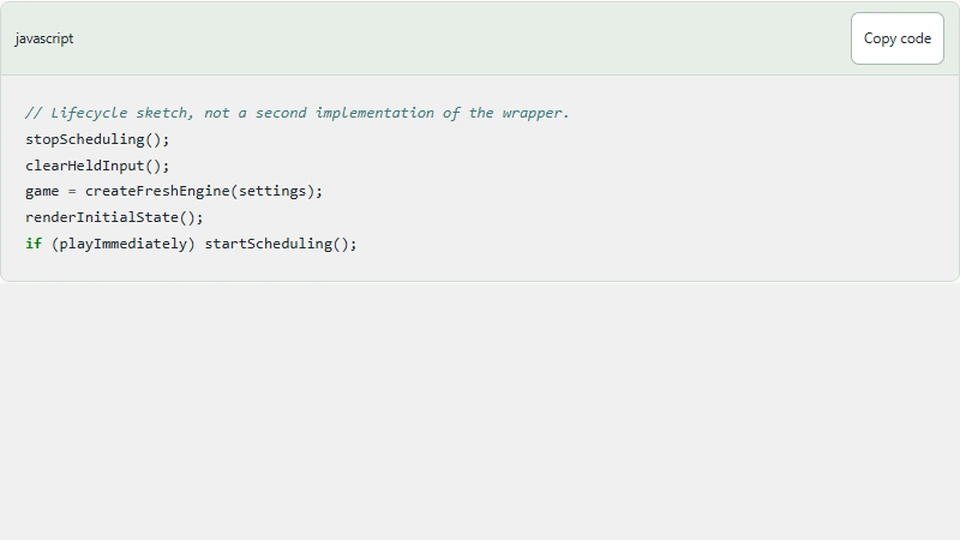
// Lifecycle sketch, not a second implementation of the wrapper.
stopScheduling();
clearHeldInput();
game = createFreshEngine(settings);
renderInitialState();
if (playImmediately) startScheduling();
This sketch is useful during review because each operation has a clear owner. If a new feature adds state outside the engine, decide where it belongs in this sequence instead of hoping a page redraw will clear it.
Think about asynchronous work
The memory mismatch delay lives inside its instance, so replacing the instance discards that countdown. A future audio effect, fetch request, or timeout may outlive the model. Those features need their own cancellation or round-validity guard.
Do not use a new object as proof that all old work is gone. It only resets the data owned by that object. Event listeners, browser captures, timers, and external resources remain separate lifecycle responsibilities.
Test a dirty restart
Restart after moving while holding a direction, during a memory mismatch, after losing a life, while paused, and immediately after completion. Check model state and visible controls, not just the score label. A fresh collector should have no objects; a fresh memory board should have no matched cards.
Press restart twice quickly and inspect the fake-scheduler test or browser behavior for duplicate frame chains. The game should still advance at its normal speed. Change difficulty after a partial round and confirm that the ready state uses the new target rather than mixing old progress with new rules.
Next steps
Read Gem Collector's source and identify which fields are initialized by its factory. When adding persistent preferences, keep them separate from round state: a palette can survive reset, while current lives should not. That boundary makes restart behavior explicit instead of an expanding list of special cases.