Understand Why Holding a Key Does Not Keep Changing Racing Lanes
Distinguish continuous collector movement from discrete lane changes in the bundled racing engine.
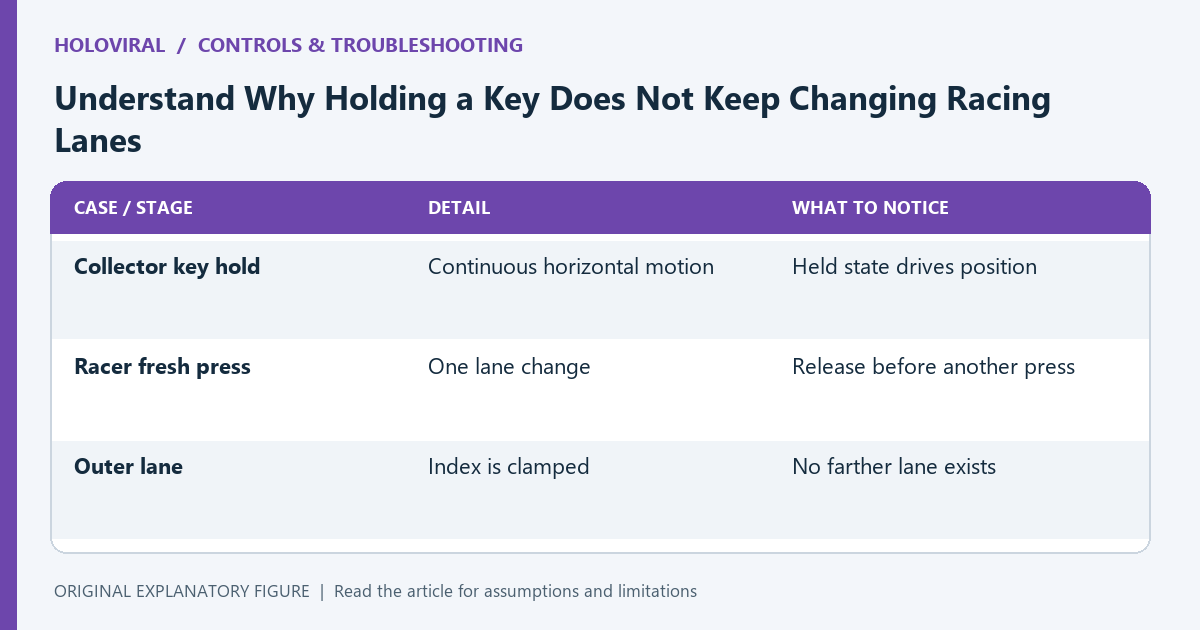
The same arrow key can behave differently in two games. HoloViral’s local collector uses held keys for continuous movement, while its racer changes between three lanes on a new press. Holding an arrow does not continuously step through lanes in that implementation. This guide explains the distinction before you diagnose the behavior as a delayed or broken keyboard.
Read the movement model
In a collector, horizontal position changes while a movement key is held. In a racer, the character occupies one of three lane indices. A movement action changes that index by one and clamps it at the outer lanes.
These models call for different expectations. A continuous steering gesture is not necessarily meaningful for a lane switch. Check the game’s written controls before comparing it with another racing game or a native app.
Observe a fresh key press
The bundled racer checks whether the relevant key was already held before applying a lane change. Repeated keyboard events while the same key remains held do not create repeated lane changes through that check.
Try press, release, press in a controlled run. From the center lane, a left press moves left; another left press stays at the left boundary. A right press then returns to center. The boundary itself is another reason a valid press can produce no visible change.
Separate focus from input style
If a new press does nothing away from a boundary, confirm the player has focus and the run is active. A search field or surrounding page can receive keys instead. The local engine also clears held keys on focus loss.
Inspect whether the run is paused and resume deliberately. Input-state checks are different from movement-model checks. Do not reload a working game simply because a continuous hold does not behave like repeated deliberate presses.
Compare touchscreen controls accurately
In the bundled racer, a sufficiently large horizontal swipe changes a lane after the gesture ends. Dragging does not provide continuous steering. The on-screen arrows are another way to make discrete changes.
Use modest gestures within the arena and observe one change at a time. Avoid comparing an unfinished swipe with an immediate button press and calling the difference lag. The controls can have different event boundaries.
Practice the actual lane decision
Open Neon Drift and try a short run in which each move is a deliberate single-lane decision. Watch the next obstacle before moving and release the key between changes. Keep the same edition and input method.
If behavior still differs from these rules, record the game, active state, starting lane, and exact input sequence. Provider-hosted games can use different controls. This guide describes the inspected local engine and gives a reproducible way to separate expected behavior from a genuine input issue.
| Case or stage | Detail | What to notice |
|---|---|---|
| Collector key hold | Continuous horizontal motion | Held state drives position |
| Racer fresh press | One lane change | Release before another press |
| Outer lane | Index is clamped | No farther lane exists |